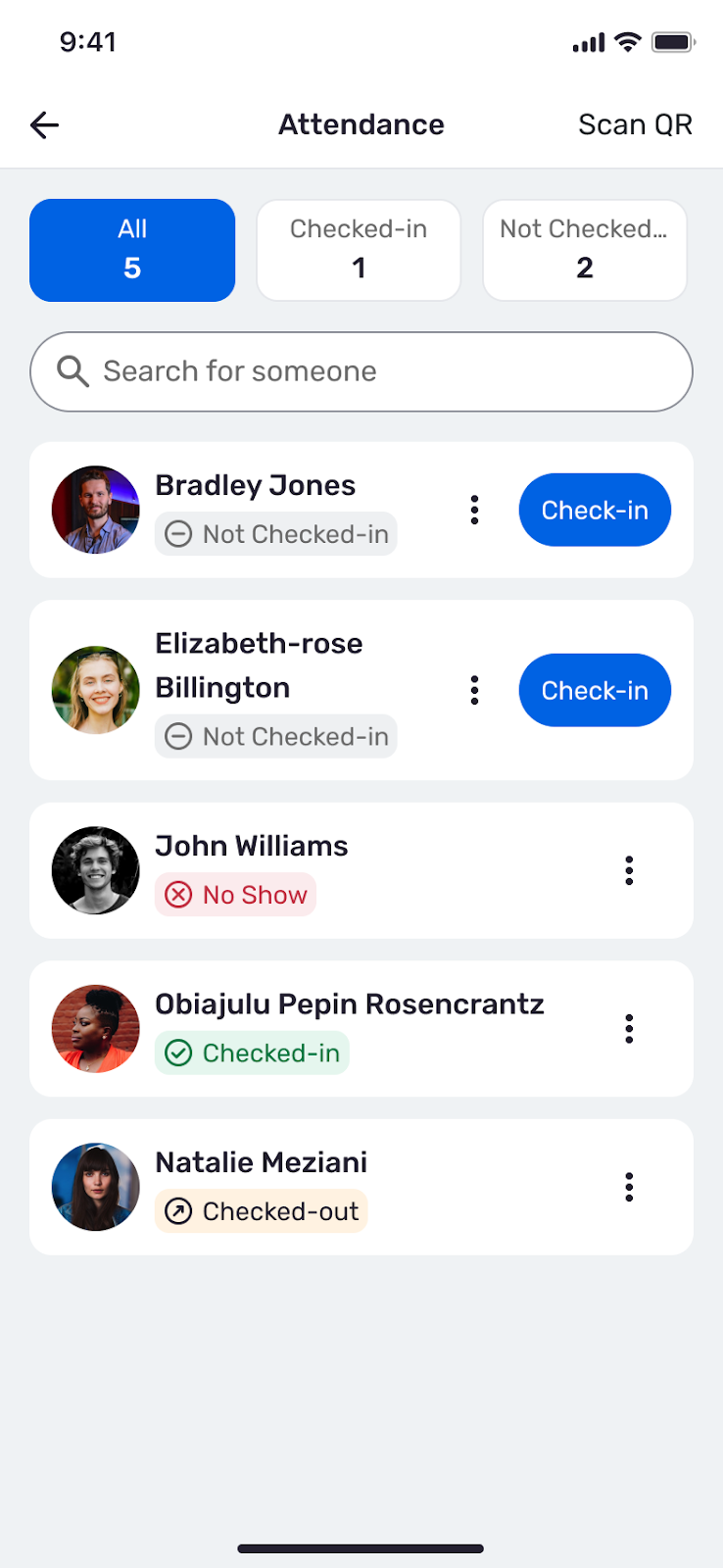
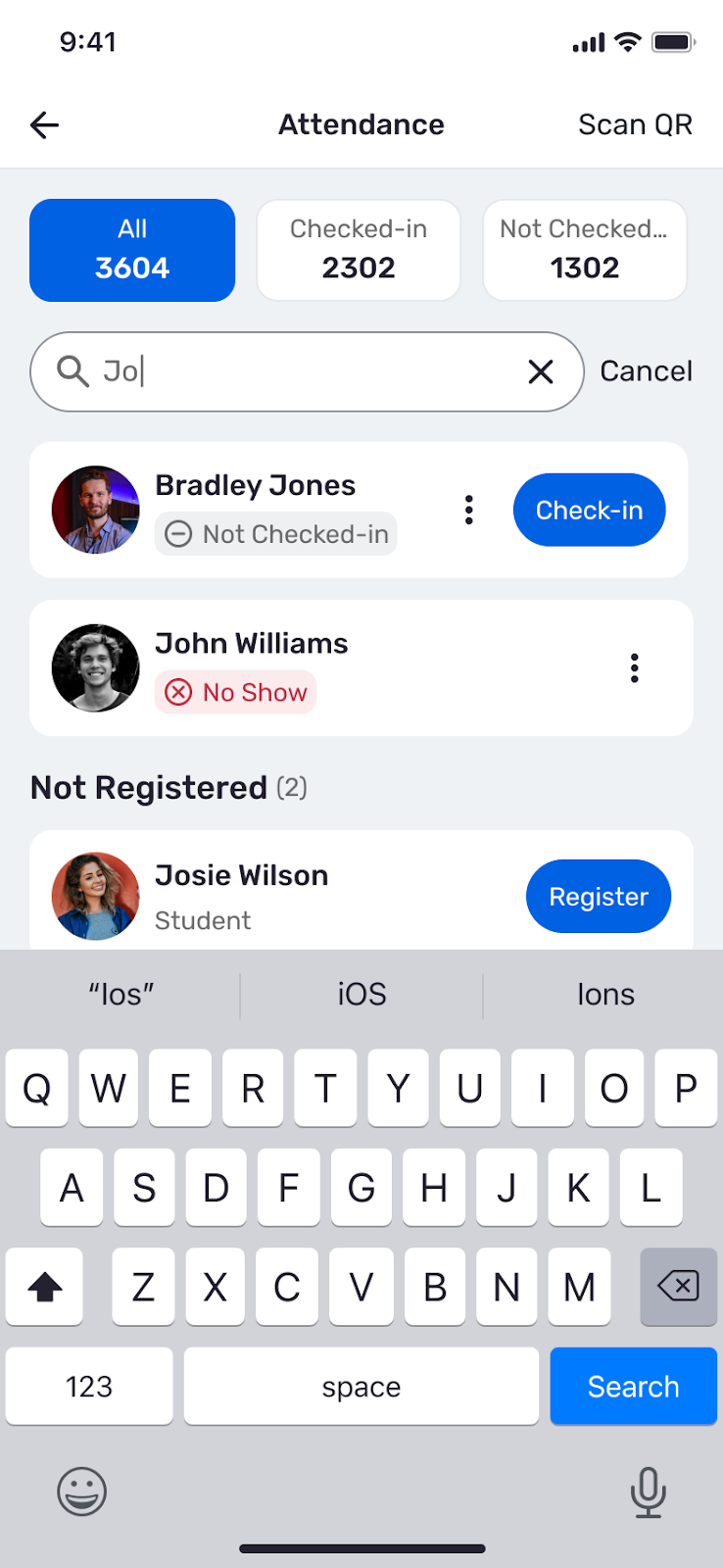
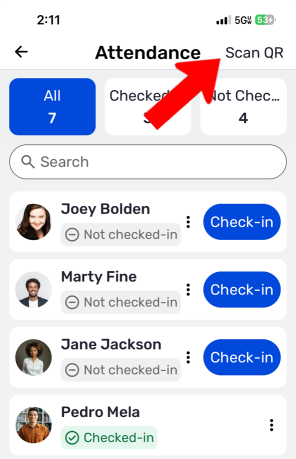
HOW It WORKSThe benefit of using SBEngaged is that it can be accessible via the CampusGroups mobile app, that can be downloaded through App Store/Google Play. The CampusGroups App lets event organizers check in attendees that are going to the group/department's meetings/events. For student organizations, tracking attendance is one way you get to justify funding through USG/GSO. Checking in attendees is simple, taking out the need to utilize ID cards and instead leveraging smartphones or devices to complete the process. CAmpusGroups AppTo get the CampusGroups app, please link the following links for download: Once you have downloaded the app, select 'Stony Brook University SBEngaged ' and log in with your NetID and Password to complete signing in. |
Skip Navigation
Search
CampusGroups App
Involvement in the palm of your hands! Our SBEngaged Website can be right on your mobile device. Look up organizations, events, and even vote in an election simply by downloading our CampusGroups app. The mobile app combines Organization Page Management with browsing and curating your own involvement hub. Learn more about accessing the app, and most importantly for our Group Page managers, how to track attendance.